How to Get 100% Church App Adoption in 10 Minutes (The Velvet Rope Method)
Don't beg people to download your app. Give them a reason to.

The Problem
Most church apps are digital ghost towns. Pastors announce them with excitement on Sunday: “We have an app! Please download it!” Three weeks later, adoption is stuck at 20–30%. Why? Because you positioned it as a favor (“Please download it”) instead of a privilege (“You need this to get in”).
The Traditional (Failed) Approach
- The Plea: “It would really help the admin team if you downloaded this.” (Members don’t care about your admin problems).
- The QR Code Jungle: Printing QR codes in the bulletin that nobody scans.
- The Nag: Reminding them every week until they tune you out.
Stop begging. Start excluding. (Gently).
The Velvet Rope Method: Step-by-Step
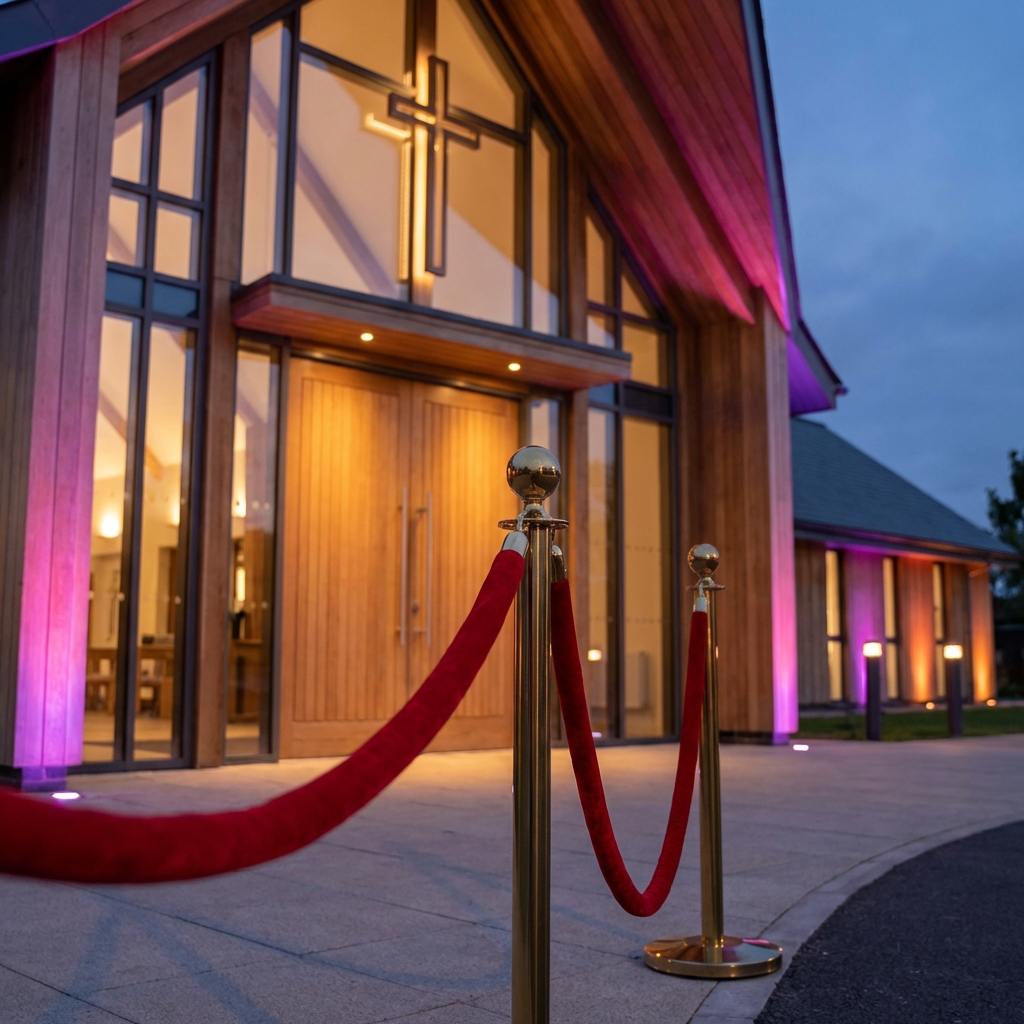
This method flips the script. Instead of asking people to join, you create a “Velvet Rope” moment where they want to join to get access.
1. Frame it as Exclusive Access
Don’t say “Download the app.” Say “We are opening access for members today.” Make it sound like a club, not a utility.
2. The Announcement Script
Here is the exact script to clear the deck:
“We are moving our private prayer requests, event registrations, and sermon notes to our new Member Portal. To protect your privacy, this is a closed network. We are opening approvals for the next 10 minutes.”
3. Create Live Social Proof
Have your tech team display real-time notifications on the projector screen:
- “Welcome John D.”
- “Welcome Sarah K.”
- “Welcome The Matthew Family” When people see others getting “in,” FOMO (Fear Of Missing Out) kicks in instantly.
4. Time-Bound Urgency
“Our team is standing by to approve you RIGHT NOW. If you wait until tomorrow, approval might take 24 hours.” Watch every phone in the sanctuary light up.
5. Celebrate Milestones
“We just hit 50 members!” “We just hit 100 members!” Gamify the adoption.
Technical Setup (5 Minutes)
If you are using SanctuaryStack, this is built-in:
- Enable Approval Mode: Go to Admin → Settings → “Require Admin Approval for New Users”.
- Display QR Code: Project the “Join Now” dynamic QR code on the main screen.
- Show Live Dashboard: Switch your projector input to the “Live Feed” view in SanctuaryStack. This shows a beautiful, animated stream of new signups.
Real Results
- Church #1 (Delhi): 75 out of 295 members (25%) joined in 10 minutes.
- Why it Works: It triggers “In-Group Bias”. People want to be part of the inner circle. By adding a small barrier (approval), you increase the perceived value of what’s inside.
How to Do This (Even Without SanctuaryStack)
You don’t need our software to use this psychology.
- If you use a website, password-protect the member section and share the password live.
- Make any group “invite-only” and open it for 10 minutes on Sunday.
The tool doesn’t matter. The framing does.
Conclusion
Don’t let your app die a slow death. Launch it with a bang. Try the Velvet Rope method this Sunday and watch your adoption graph go vertical.